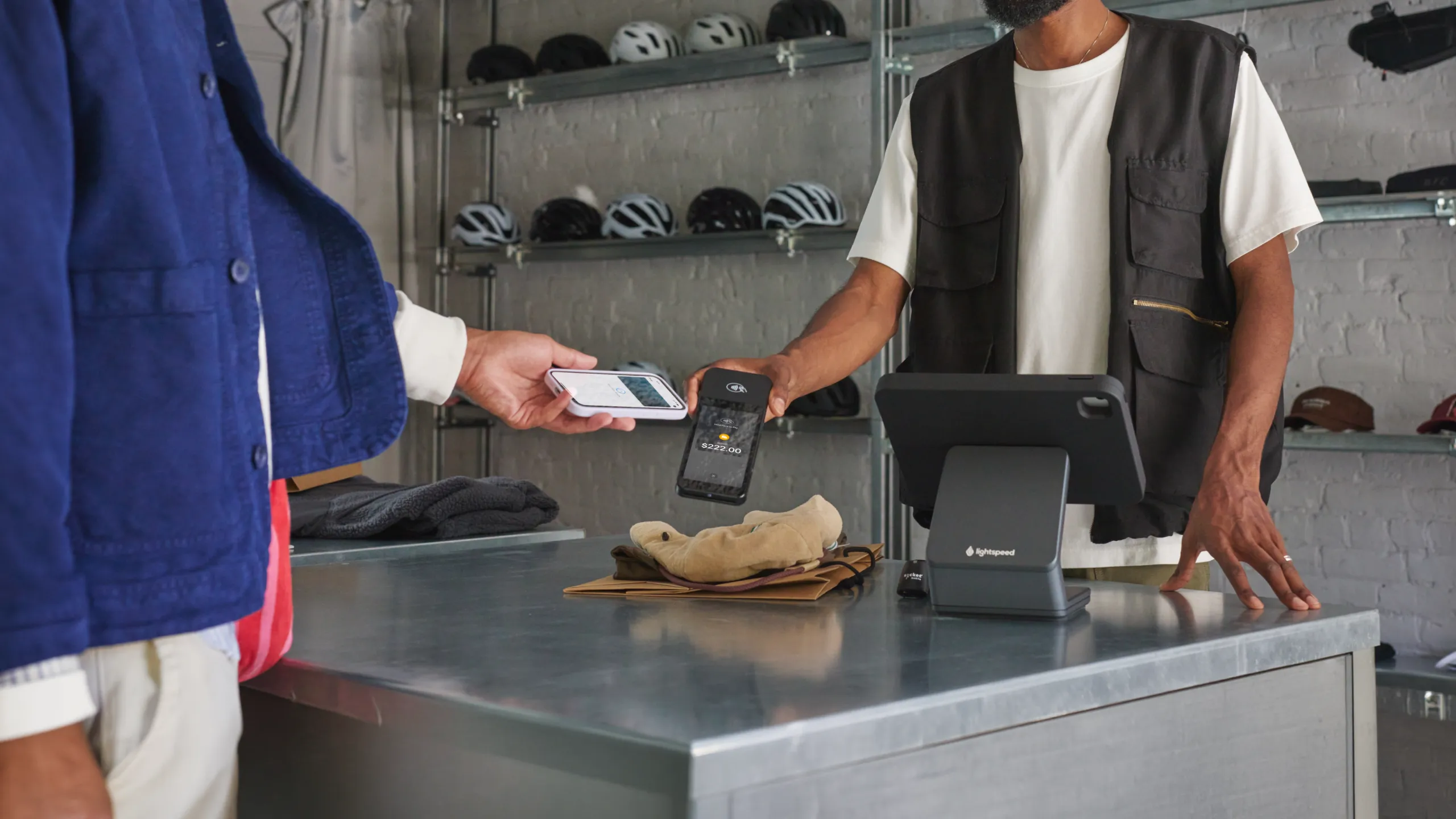
Your Lightspeed data, working across your repairs and rentals
Lightspeed runs your sales. Hubtiger runs your workshop and rental floor. When the two connect, your jobs, stock, and customer records stay in sync without the manual work.
Compatible with Lightspeed POS
Why Lightspeed users choose Hubtiger
Before

Stock gets out of sync.
Customer records live in two places.
Quotes are built without real stock levels.
Every completed job needs manual reconciliation.
After

Stock updates automatically.
Customer records sync between the two systems.
Quotes pull live pricing and availability from Lightspeed.
Completed jobs reconcile themselves.

500 shops already running Lightspeed and Hubtiger together





Here's what changes when Lightspeed and Hubtiger work together

Quote with real pricing and availability from Lightspeed
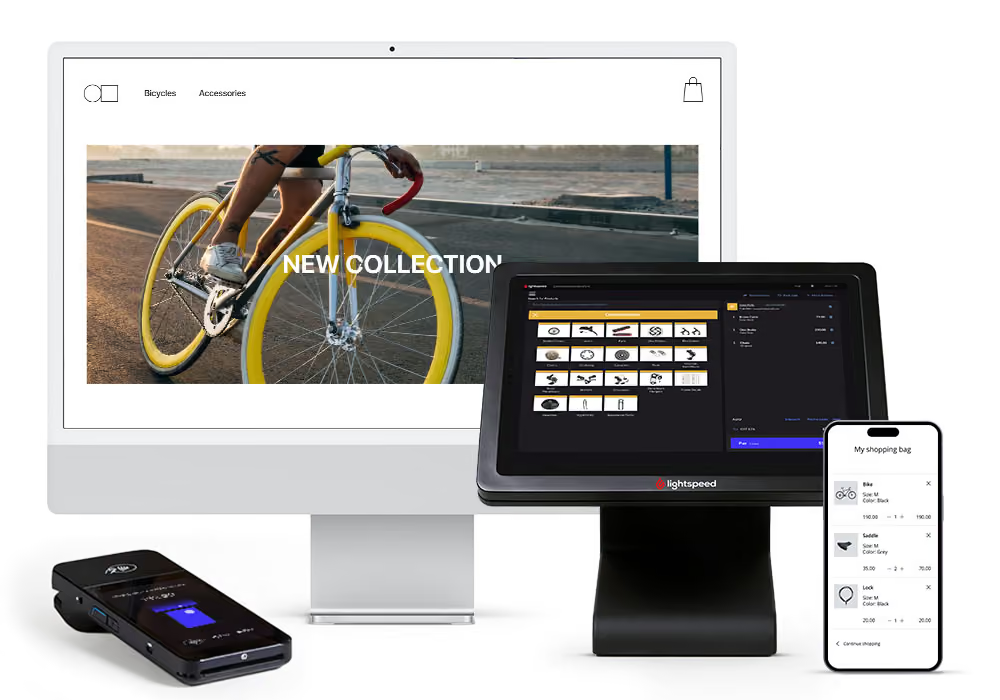
When you build a quote in Hubtiger, it pulls products and pricing directly from Lightspeed. Available quantities come through too, so you're only quoting parts that are actually in stock. No manual price checks. No quoting from memory.
No need to enter your customer details twice
No need to capture customer details twice. Customer information syncs between both systems.
Inventory stays accurate without manual reconciliation
As jobs move through your shop, your stock levels update automatically in both systems. Completed repairs, rented items, and reserved parts all adjust without anyone having to log them manually. By the end of the day, your inventory reflects exactly what happened - without anyone having to reconcile it.
Special orders handled without switching systems
When a part needs to be ordered, your team can place and track the order directly in Lightspeed. The job keeps moving. Nothing falls through the gap while you're waiting on a supplier.
Real-time stock updates with the Work Order API
Add a part to a job in Hubtiger and your stock updates in Lightspeed automatically. Cancel a job and the stock comes straight back. No manual entry. No adjustments. The integration handles it.
See how it works with your shop
Already using Lightspeed? We'll show you exactly how Hubtiger connects to it and what that looks like for your repairs, your rentals, or both.
Frequently asked questions
If you can't find what you're looking for here, our team is available on live chat.
Less time than you'd expect. All you need is your Lightspeed store URL, username, and password. Once those are in, set your default register, tax, and payment type, then link your technicians to their POS accounts. Most shops are up and running within minutes.
Yes. Hubtiger integrates with both Lightspeed X-Series and R-Series. Some features, such as work orders and special orders, are available only to R-Series customers.
Yes, for Lightspeed R-Series customers. A technician flags a line item as a special order when building a repair quote in Hubtiger. Once the order is placed in Lightspeed, the job status updates automatically to "Waiting for parts", and when the parts arrive, the technician gets notified in Hubtiger.
Work orders need to be created in Hubtiger to sync with Lightspeed. Your team can then work from either system - any changes to line items are updated in both.
Work orders are only available to Lightspeed R-Series customers.
Yes. Online payments work through Stripe and are compatible with both X-Series and R-Series. A Stripe account is required.
Not exactly - and it's worth understanding the distinction. Your rental fleet lives inside Hubtiger. What syncs from Lightspeed are your pricing SKUs - your hourly, daily, and weekly rental rates. Those rates are linked to the corresponding items in Hubtiger, so every rental is priced accurately based on your POS setup.
You manage your fleet in Hubtiger. Lightspeed handles the pricing.
Not currently. Lightspeed's loyalty programme (manages promotional activity and sends SMS and email campaigns to customers) runs separately from Hubtiger. If this is something your shop relies on, it's worth raising in your demo so we can walk you through how both systems fit into your workflow.
Yes, as long as the sale is still open in Lightspeed.
No. Hubtiger and Lightspeed are separate platforms, each with their own login. You'll access them independently.
No. Hubtiger and Lightspeed are separate products, billed independently. Your Hubtiger plan covers your Hubtiger subscription. Your Lightspeed plan is managed directly with Lightspeed.




