
Helping you connect with more customers
Podium and Hubtiger bring customer communication into one connected workflow. From booking updates to quick questions, shops can manage conversations alongside repair jobs and rental bookings.
Your team works from one accurate data set, not a dozen separate systems
A simple way to keep conversations connected
Hubtiger integrates with Podium to link customer messaging directly to your repair and rental workflows. Messages, replies, and updates stay connected to the correct job and customer record, giving your team a clear view of every conversation.
How it works
Connect Hubtiger and Podium
Connect from Podium or Hubtiger, whichever you already use.
Updates sent as work moves forward
When activity happens in Hubtiger, such as a status change or a progress note, updates are automatically sent to customers via SMS through Podium.
Messages are visible in both Hubtiger and Podium, so your team always sees the full conversation.
Manage conversations from either system
Whether it is an automated job update or a quick reply to a customer, communication stays aligned across both tools.
Your team can respond from Hubtiger or Podium, with all messages kept in sync.
What this means for your team
Your team spends less time managing messages and more time moving work forward.
See all customer conversations in the context of the job
Respond without switching between systems
Reduce repeated updates and follow-up calls
Keep handovers clear as work moves between staff
What this means for your customers
Clear communication helps customers feel informed and confident.
Clear updates at the right time
Fewer reasons to call or chase the shop
Confidence that their repair or rental is being handled
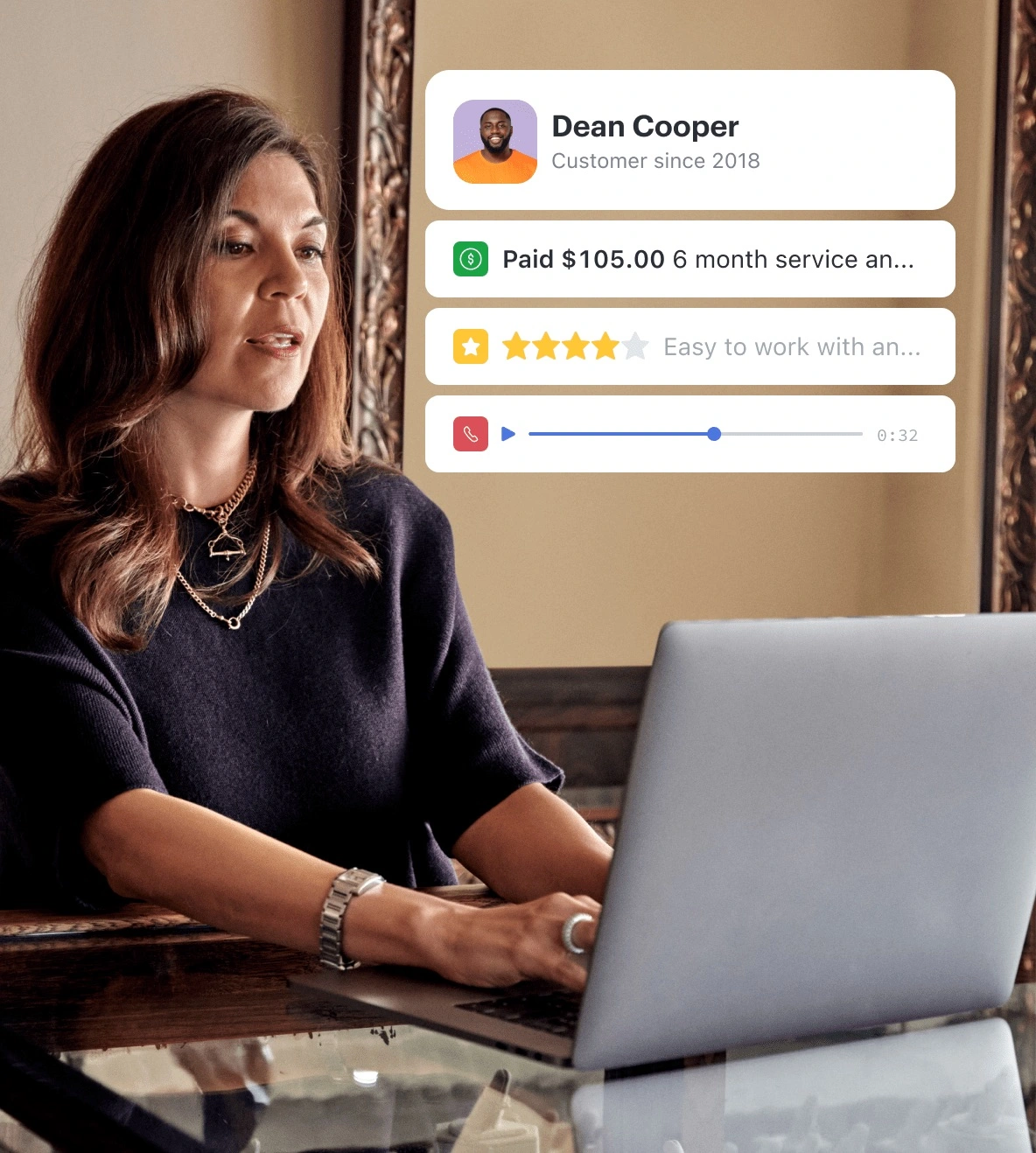
Customer communication works best when it is part of your workflow, not something you manage separately
See how Hubtiger and Podium support clear, day-to-day customer communication.
Frequently asked questions
If you can't find what you're looking for here, our team is available on live chat.
Podium is a great option if you want a single inbox for all your customer communication from a single phone number. It supports two-way messaging, so your customers can reply and your team picks up the conversation without switching between tools. If that sounds like your setup, Podium is worth exploring.
No. The integration is included in your Hubtiger subscription at no extra cost. You will need a Podium account to get started, as it is a separate product with its own subscription, billed directly by Podium.
Getting started takes a few minutes. Click 'Connect' in Hubtiger and you will be prompted to either create a Podium account or sign into your existing one.
Yes. When a job status changes in Hubtiger, your customers are notified via SMS through Podium.
Yes. Podium supports two-way messaging. Note that replies sent through the Hubtiger customer portal will not appear in Podium.




