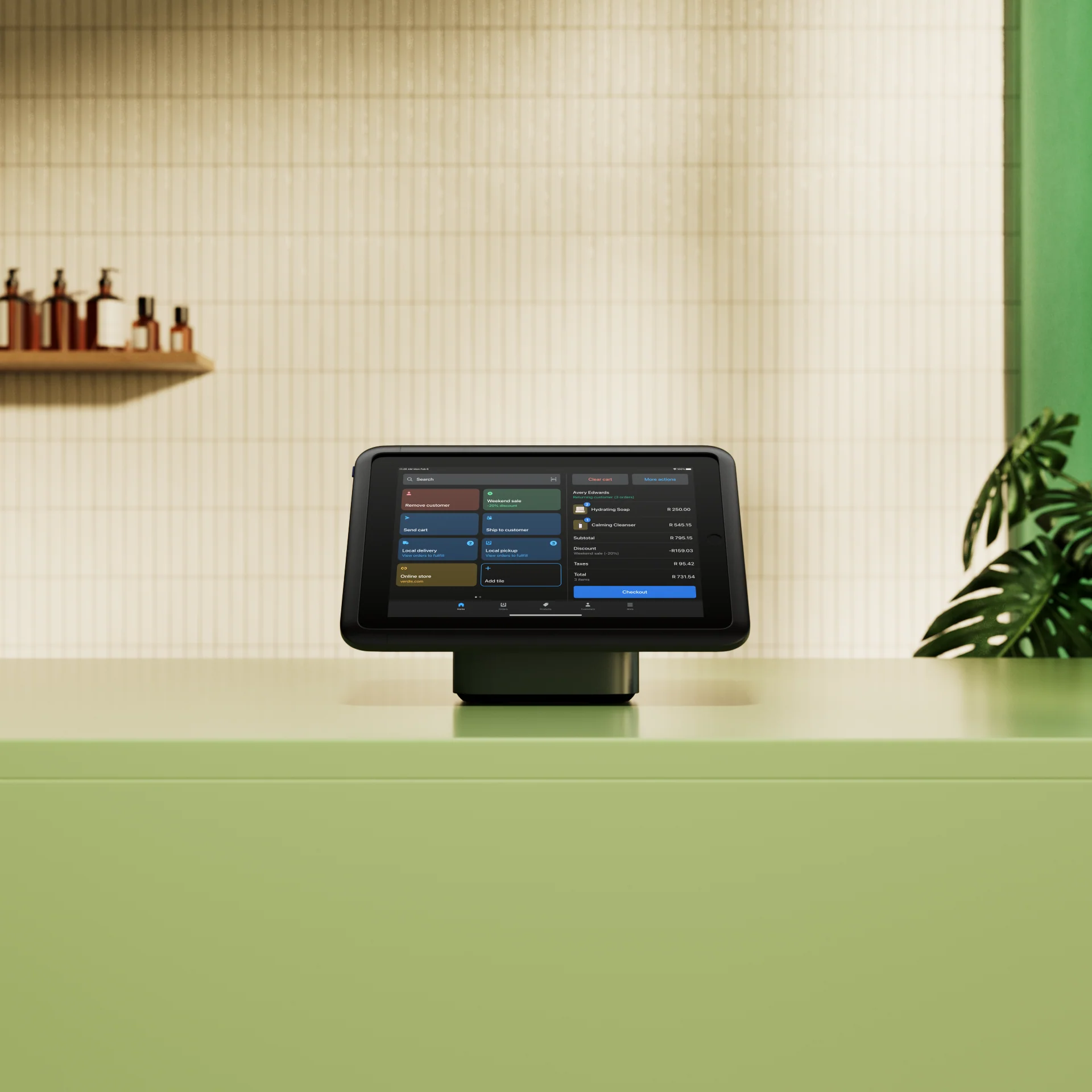
Connect Shopify POS to your repair and rental software to reduce duplicate data entry
Connect Shopify to Hubtiger so that your customer details, part availability, and pricing are automatically available every time you quote a repair or rental.
200+ repair and rental businesses using Hubtiger and Shopify POS







Why Shopify POS users choose Hubtiger

Your customer details sync across - no double data entry.
Every repair or rental quote pulls live part availability and pricing from your Shopify POS inventory.
Approved quotes go straight into Shopify as a parked sale, ready to close at the counter.

Hubtiger is available on the Shopify App Store
If you're already a Shopify user, you can find Hubtiger on the Shopify App Store and get started in minutes.
Already have a Hubtiger account? Easily add the Shopify integration directly from within Hubtiger.
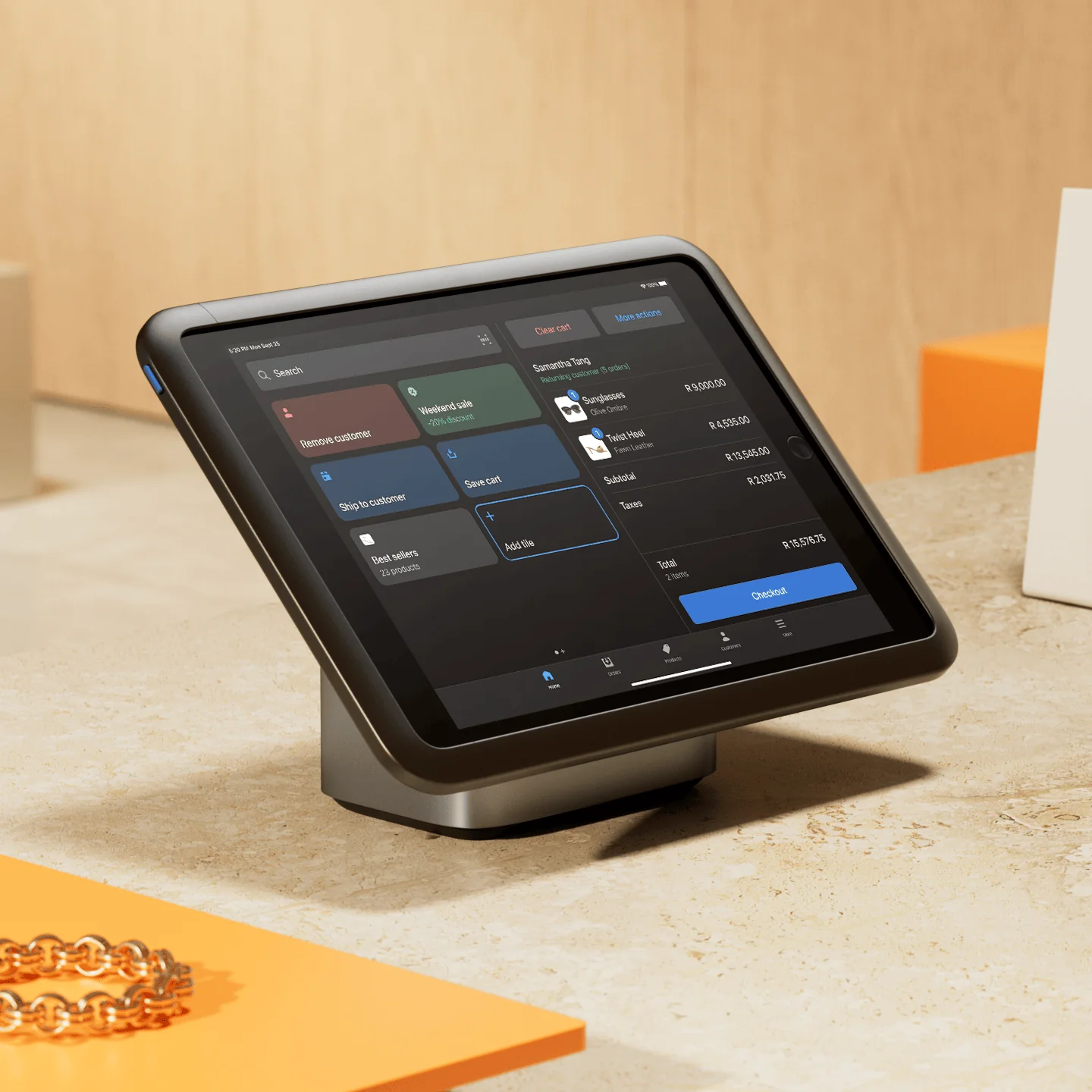
Here's how Shopify and Hubtiger work together
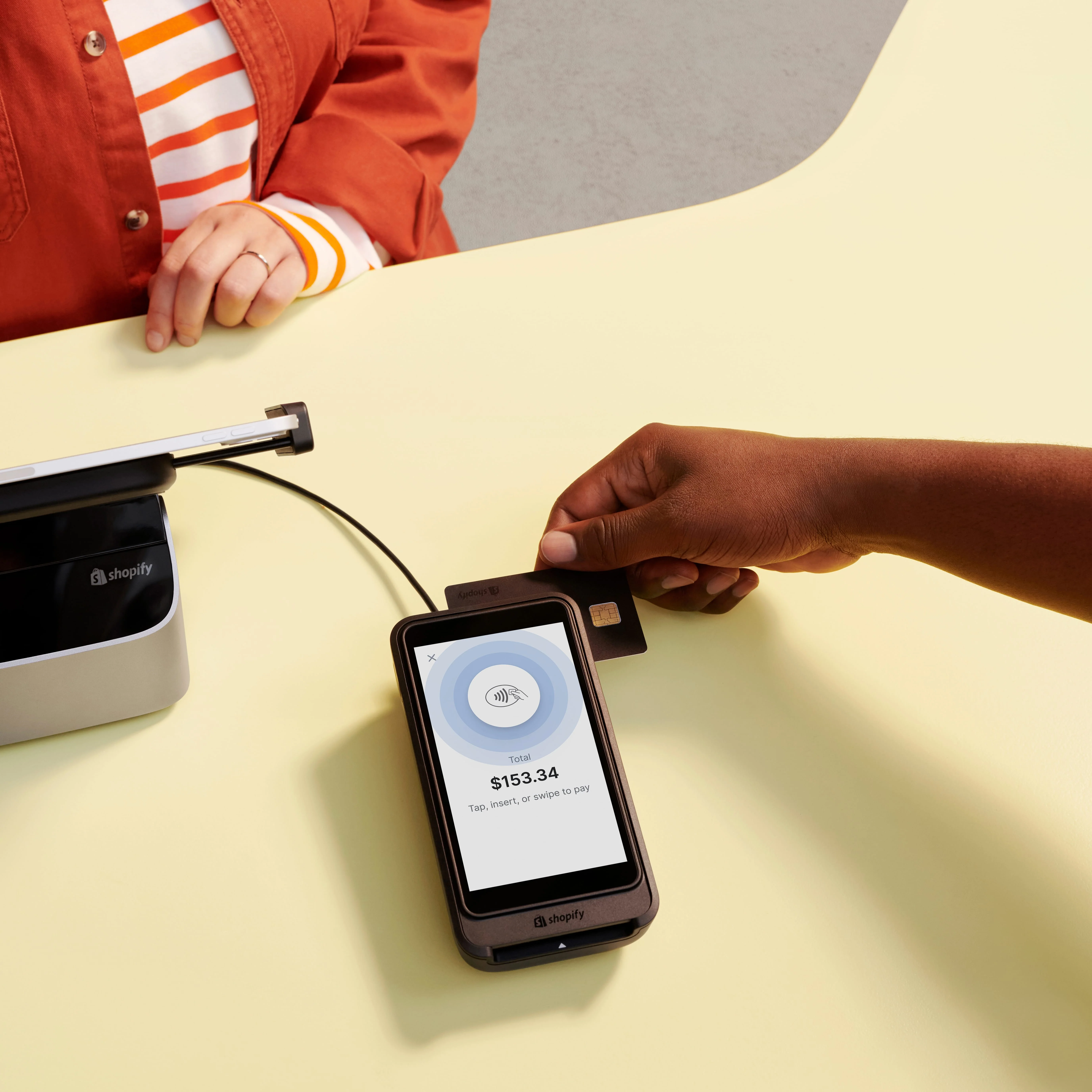
Your customers in Shopify sync to Hubtiger
When you connect Shopify to Hubtiger, your customer records transfer across automatically.
No manual imports. No re-entering customer details.
Build repair or rental quotes from your real Shopify inventory
When a technician builds a repair or rental quote in Hubtiger, they pull pricing and available product quantities directly from your Shopify inventory.
No switching between systems to check a price or confirm if a part is available. The quote gets built faster, and the numbers are right.
Approved quotes go straight into Shopify for payment
Once a customer approves a quote in Hubtiger, you can send it to Shopify as a parked sale, ready to be closed at the register.
No rebuilding the invoice. No manual inventory reconciliation.
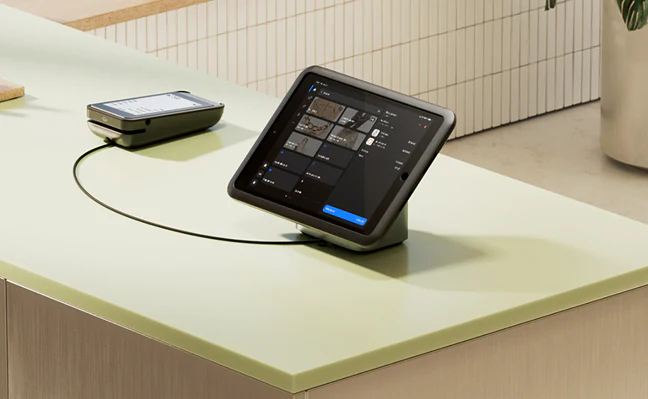
See for yourself how Shopify and Hubtiger work together
We'll show you how Shopify connects to Hubtiger and what that means for your repairs, your rentals, or both.
Frequently asked questions
If you can't find what you're looking for here, our team is available on live chat.
Yes. When you connect Shopify to Hubtiger, your existing customer records transfer across automatically.
Not automatically. A customer created in Hubtiger will only appear in Shopify once a quote is sent across as a draft order. At that point, the customer record is automatically created in Shopify.
Data syncs automatically every hour. This includes pricing updates, product availability, and customer records. If you need an immediate refresh, click the sync icon in Hubtiger to force one straight away.
Yes, with one condition. Once a draft order in Shopify has been marked as paid, it converts to a confirmed order and can no longer be edited. Until payment is taken, the draft order remains open and can be edited.
Yes. Online payments work through Stripe. You'll need an active Stripe account.
Yes, with a few things worth knowing before you set it up.
For repair jobs processed as normal orders, deposits and partial payments work as expected. A deposit paid online through Stripe appears in Hubtiger, and the remaining balance can be collected and reconciled accurately when the job is sent to Shopify.
For draft orders, Shopify doesn't account for deposits that have already been paid. It will prompt your team to collect the full amount. The same applies to rental reservations sent as normal orders, where Shopify displays the full amount owed rather than the outstanding balance after a deposit. Processing partial payments for rental draft orders via the online widget is not supported.
If deposits and partial payments are central to how your shop operates, mention it when you book a demo, and we'll walk you through the setup that works best for your workflow.
Tax calculations rely on both systems being configured to match. If Shopify is set to 10% inclusive tax, Hubtiger needs to be set the same way; otherwise, the figures won't align when a job is sent across.
A few things to be aware of:
- If you update your tax rate (e.g., from 15% to 10%) and resend an existing job, the tax label updates in Shopify, but the financial amount doesn't change in either system.
- Draft orders require Hubtiger's tax setting to be inclusive at the matching percentage, or the calculations sent to Shopify will be incorrect.
- If an individual item in your POS has a different tax rate from your overall shop rate, it can create a conflict between what Hubtiger and Shopify calculate. How it resolves depends on whether you're using normal or draft orders.
If your tax setup is anything other than straightforward, it's worth raising when you book a demo so we can make sure everything is configured correctly from the start.




